顧客メモ
From joining to being served - a seamless experience
待っている
次はあなたです!
奉仕を受ける
完了
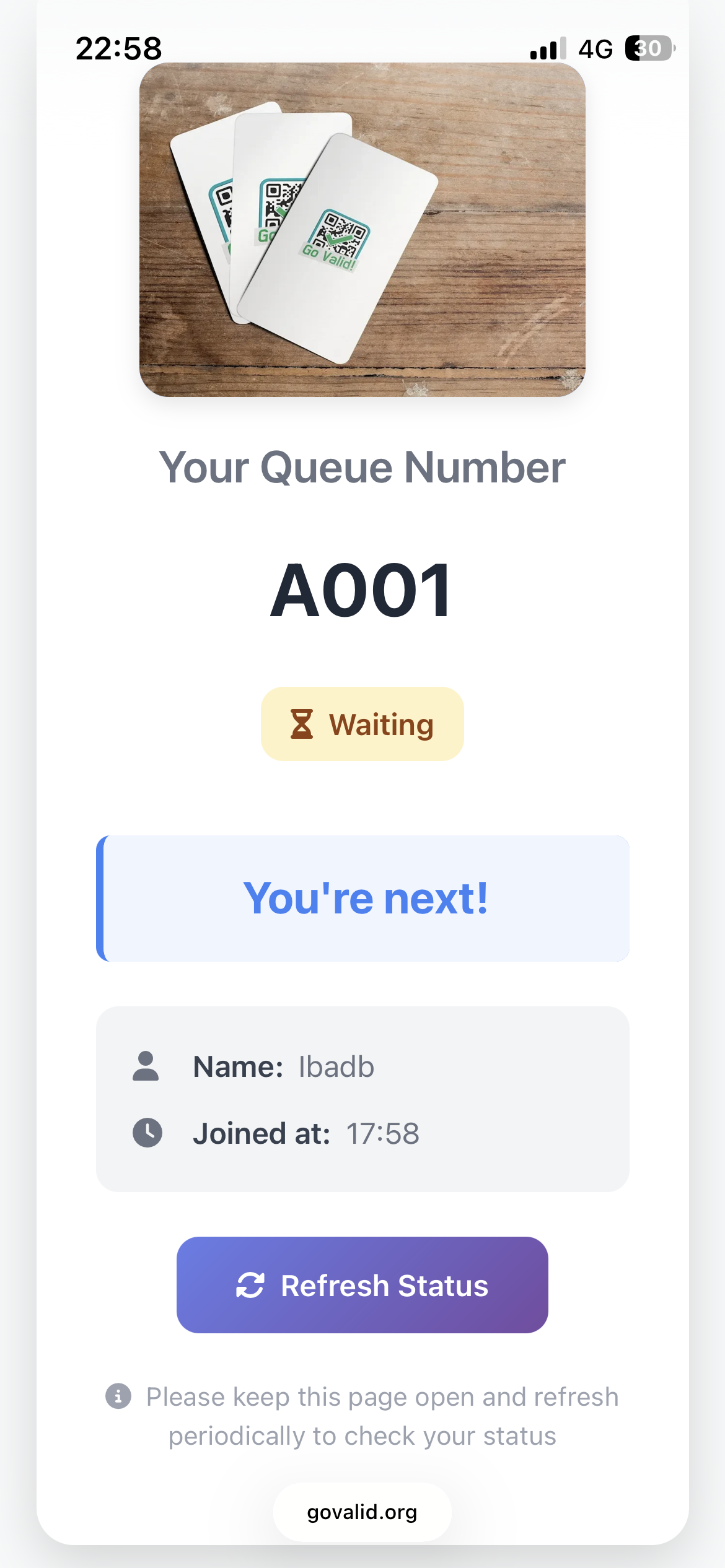
待機キュー

あなたの番です!ぜひお越しください
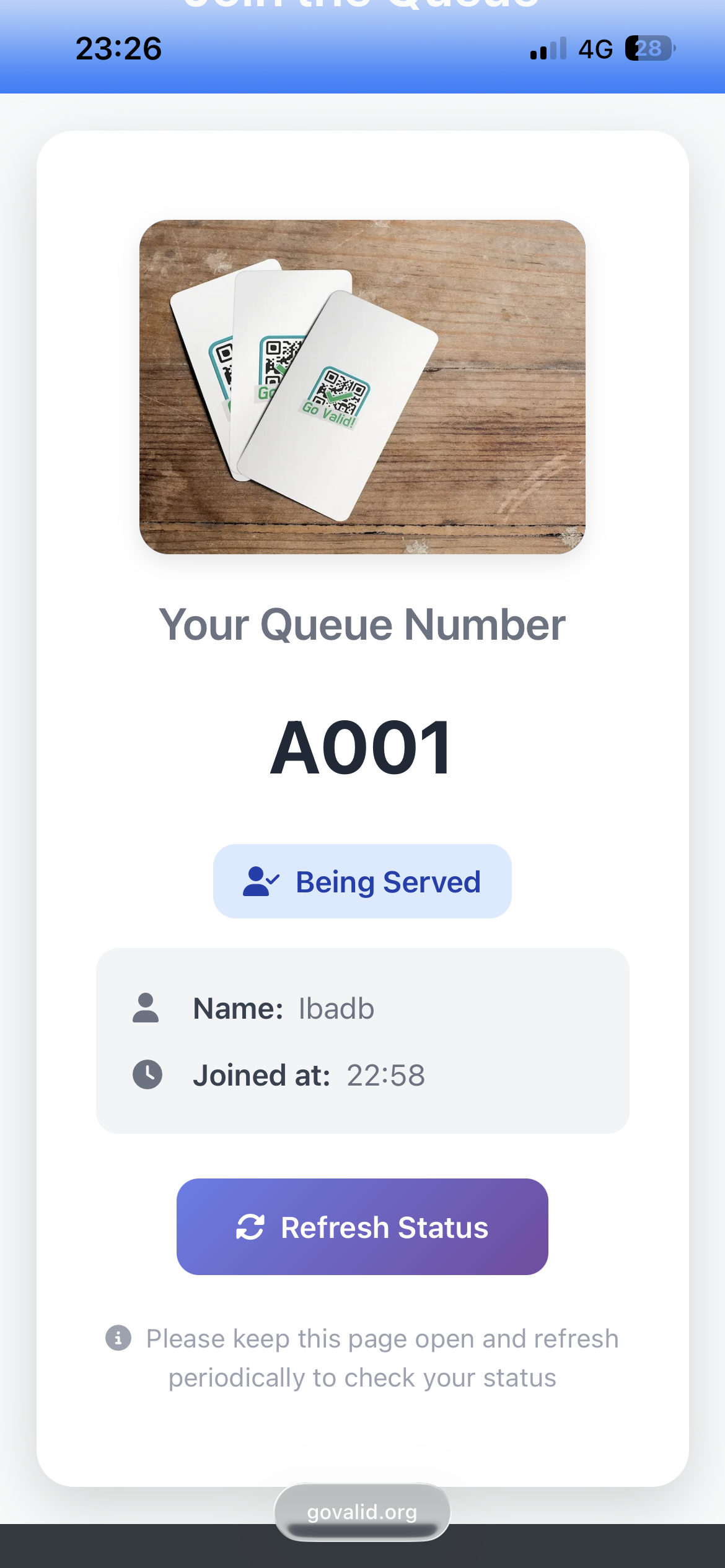
奉仕を受ける
顧客体験を向上させる現代的なキュー管理
Customers get digital queue numbers on their phones. No paper tickets, no waiting in line.
Customers see live status updates: Waiting, You're Next, Being Served. Optional email notifications.
Easy-to-use dashboard for staff to call next customer, mark as serving, and complete service.
Track wait times, peak hours, completion rates, and daily performance metrics.
From joining to being served - a seamless experience
待機キュー
あなたの番です!ぜひお越しください
奉仕を受ける
Set up your queue system in minutes
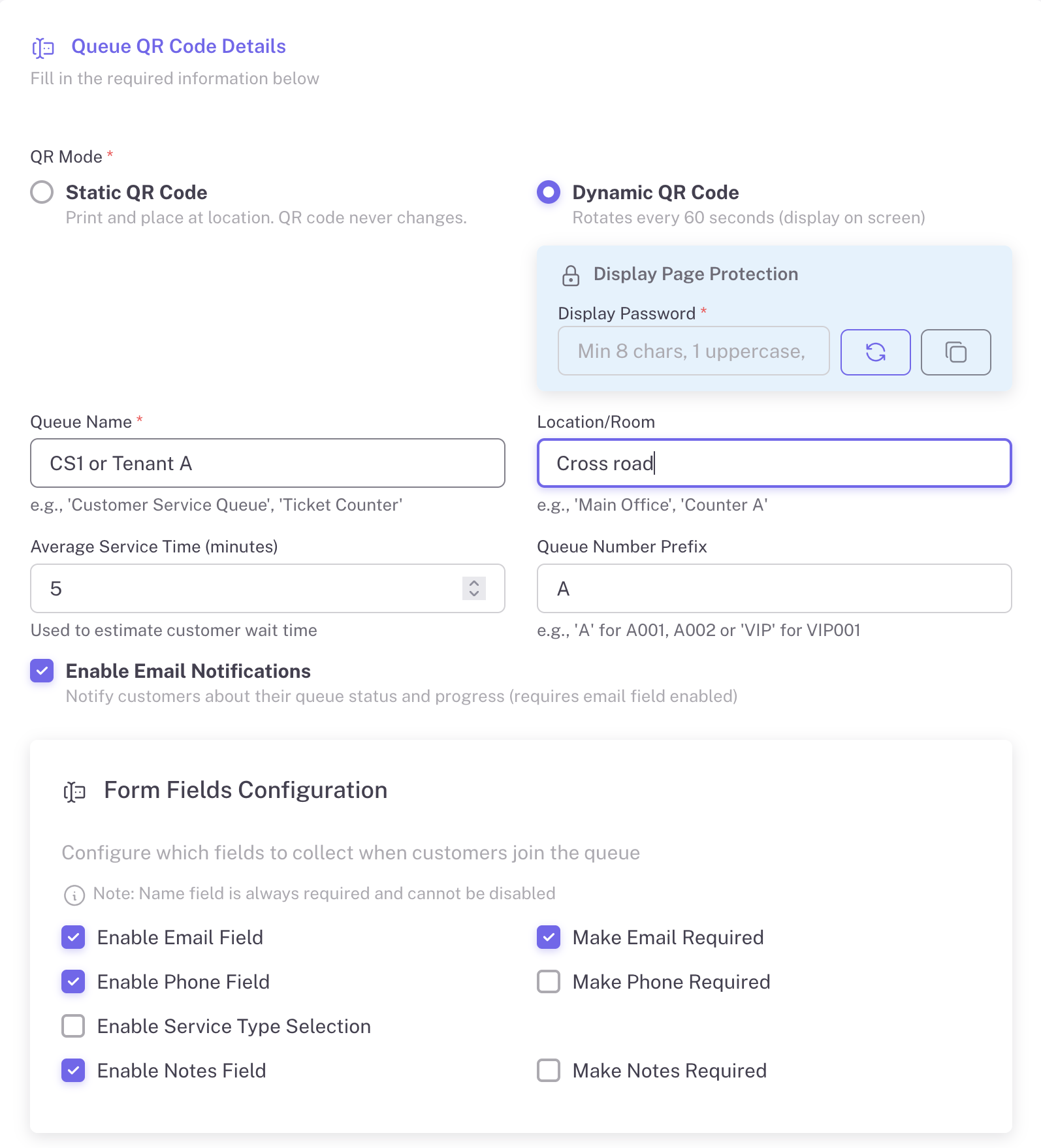
Configure your queue with custom settings: queue name, location, average service time, and form fields to collect customer information.
Show the QR code on a screen at your service counter. For Dynamic mode, the QR rotates every 60 seconds for security. Display is password-protected.

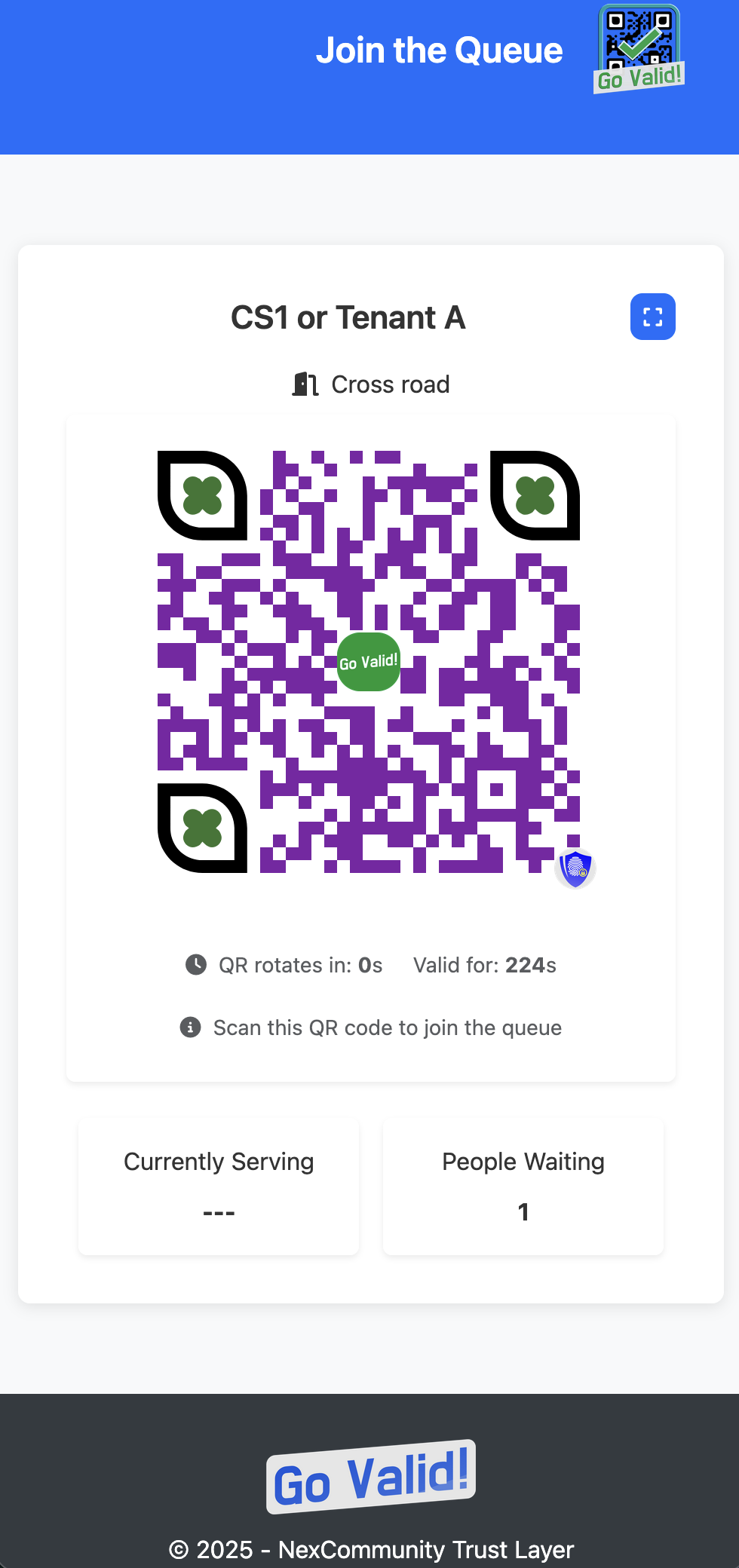
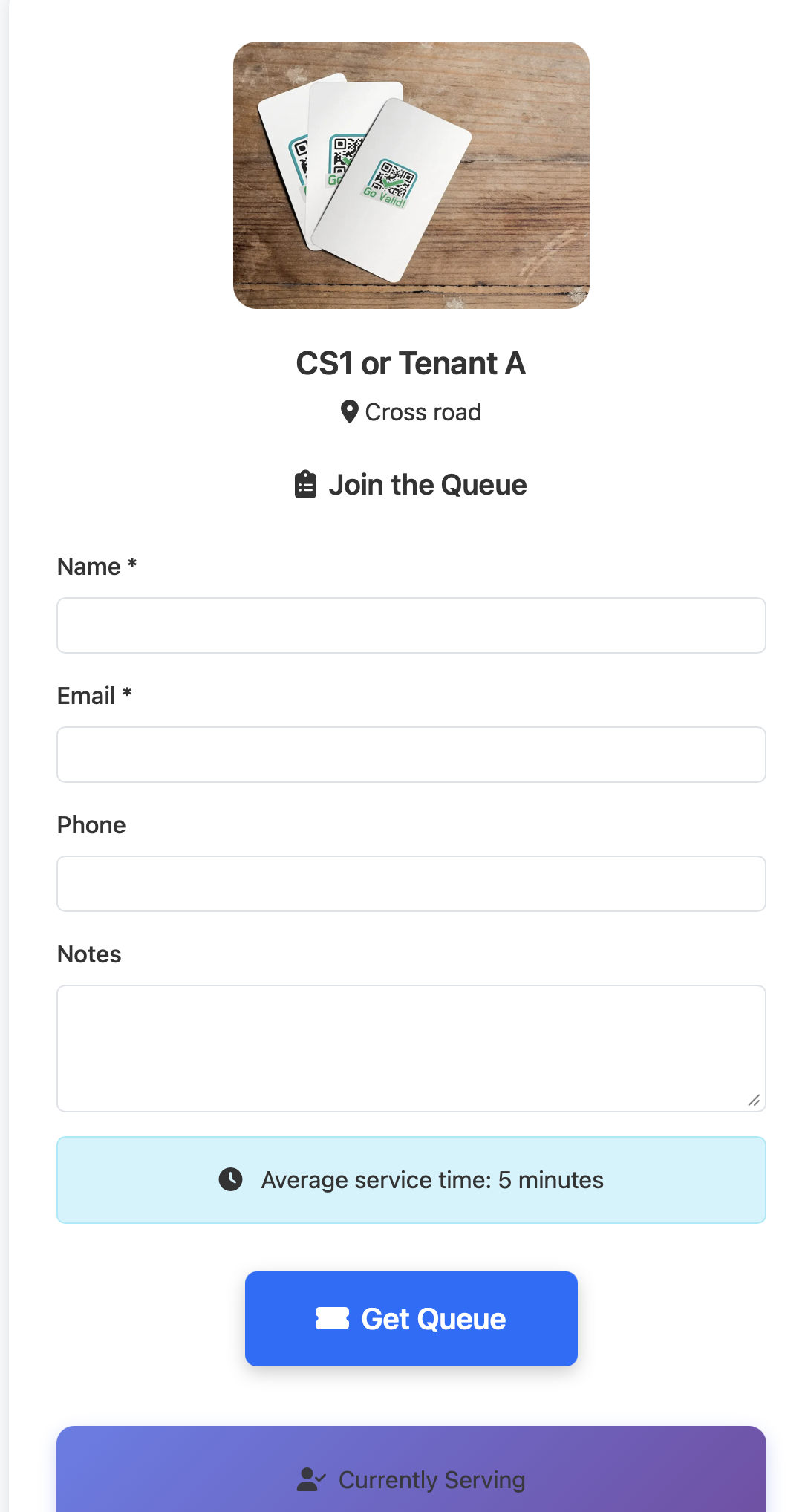
Customers scan the QR code, fill in their details, and get a queue number instantly. They can see estimated wait time and track their position.
Staff uses a separate password to access the control panel. One-click actions to call next customer, serve, and mark as complete.


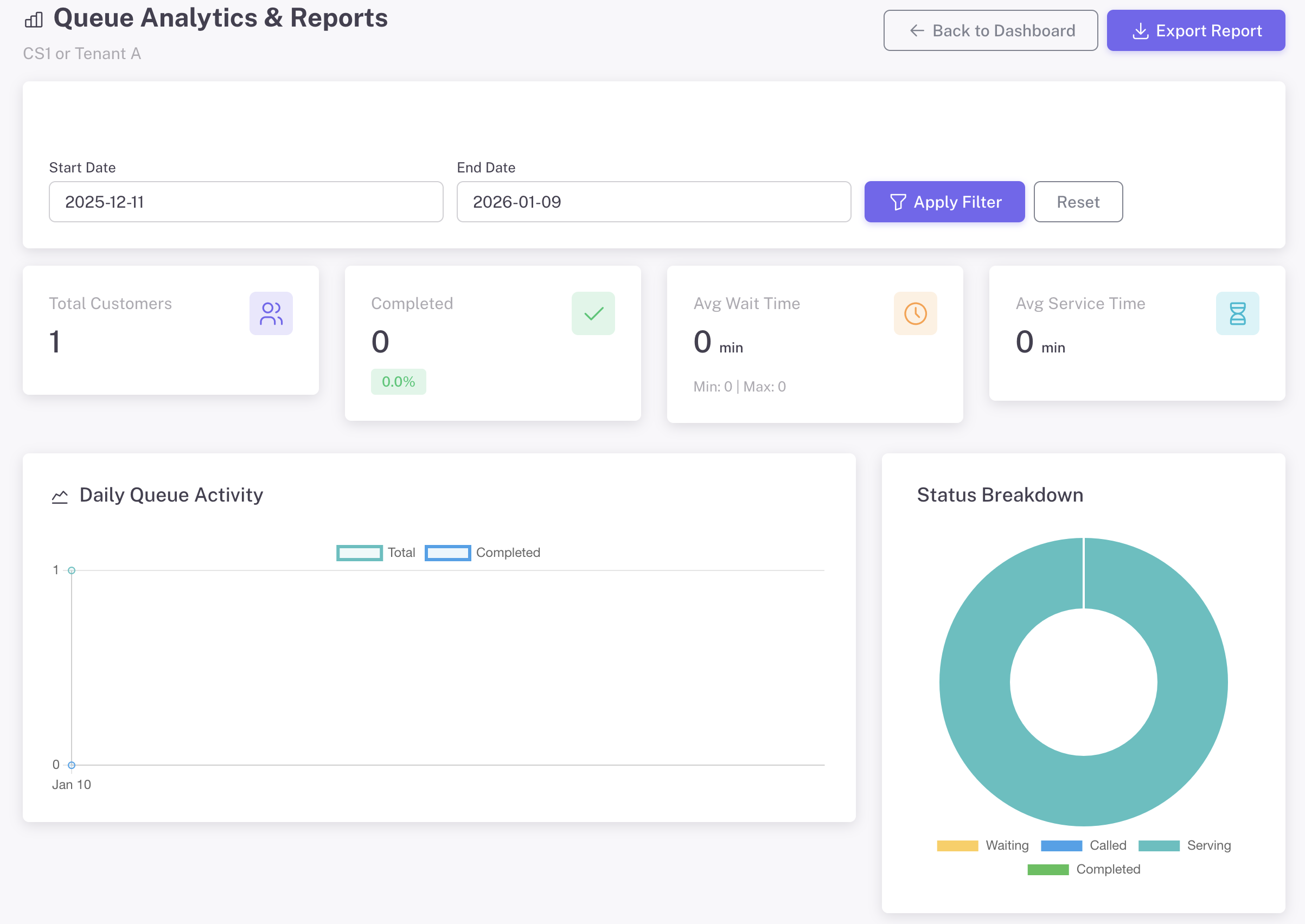
Access comprehensive analytics from the management dashboard. Track daily activity, peak hours, wait times, and export reports.
あなただけのものに - ブランドに合わせてすべての詳細をカスタマイズ
ブランドアイデンティティを反映したプロフェッショナルなチェックイン体験を作成。
目立つユニークなQRコードをデザインし、ブランドを強化。
すべてのカスタマイズオプションはリアルタイムプレビュー付きのQR作成フォームで利用可能
顧客サービスを開始する
顧客体験:
イベント登録
APIサービス
待っている人々
予約リクエスト
サービスタイプ
Create your first Instant Queue in under 2 minutes. Free to start, no credit card required.
Discover other powerful Instant QR features